
Offer more payment options without increasing your costs



Cost savings
Recover the cost of accepting credit cards and contactless transactions

Customisable
Take control of your surcharge solution with flexible options

Customer choice
Accept more payment methods without increasing your expenses
Let your terminal do the work
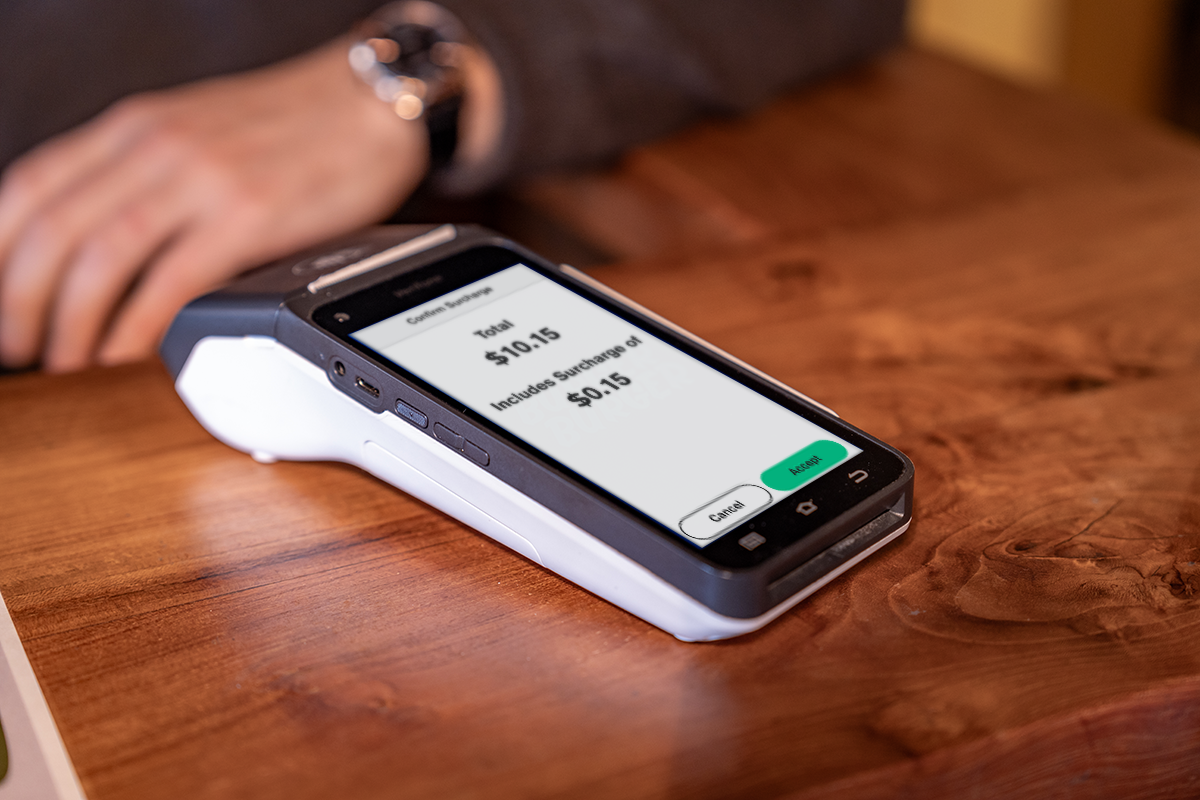
Our terminals automatically calculate and apply the right surcharge to eligible card transactions. The surcharge amount is shown on screen before the customer confirms payment. No manual calculation, no guesswork.
.jpg "alipay t650p 2023 image 5 (Custom)")
Accept more payments without extra costs
Don’t limit your customers’ payment options. Surcharging lets you accept more cards and contactless payments without adding to your expenses. Customers enjoy choice, and with transparent surcharges, they always know what they’re paying.
Fully customisable
Set surcharges based on transaction value, define minimum or maximum amounts, skip the acceptance prompt for contactless payments, and choose whether to apply surcharges to MOTO transactions.

Guide to the Surcharge Ban
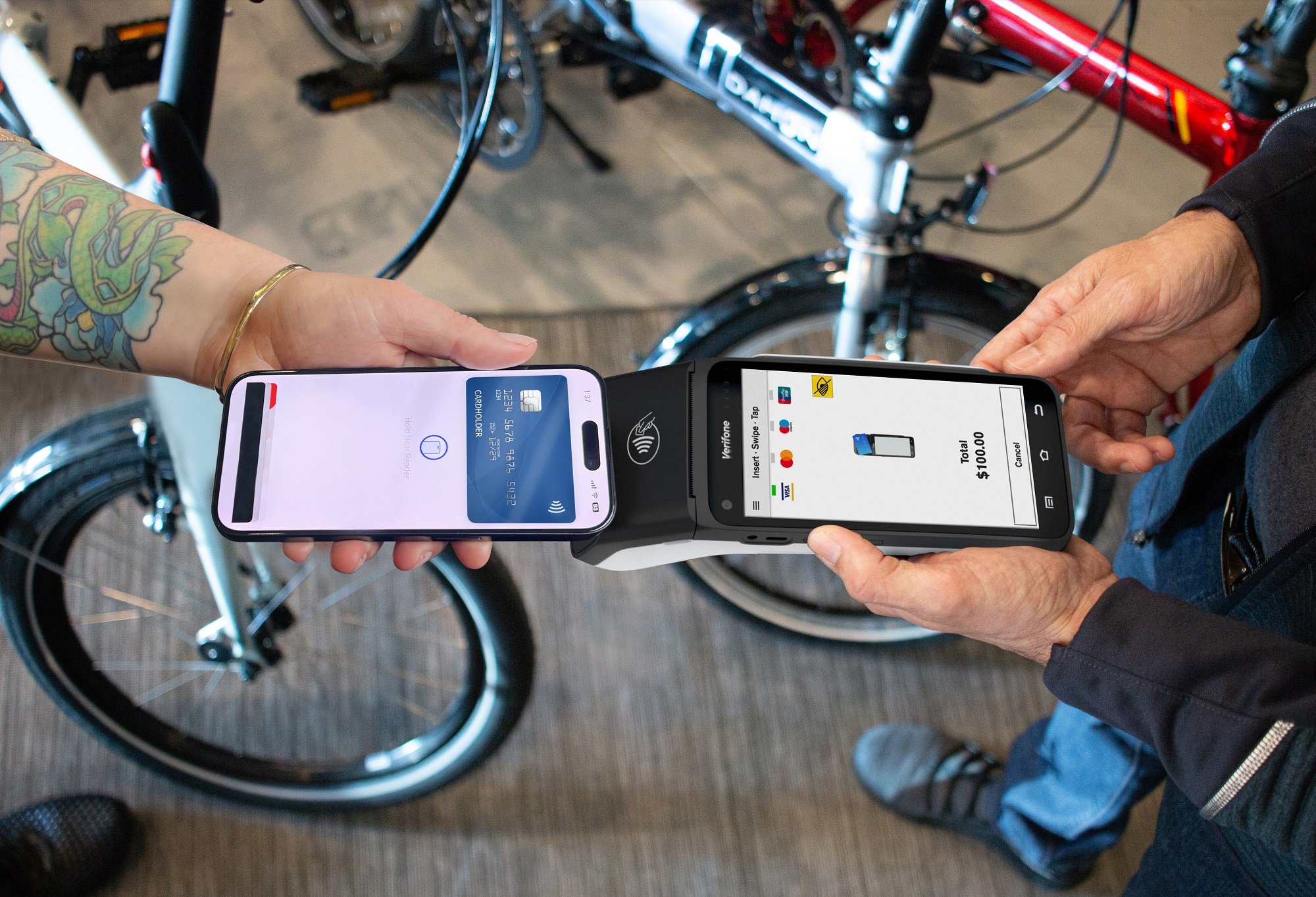
Contactless
How it works
Notification
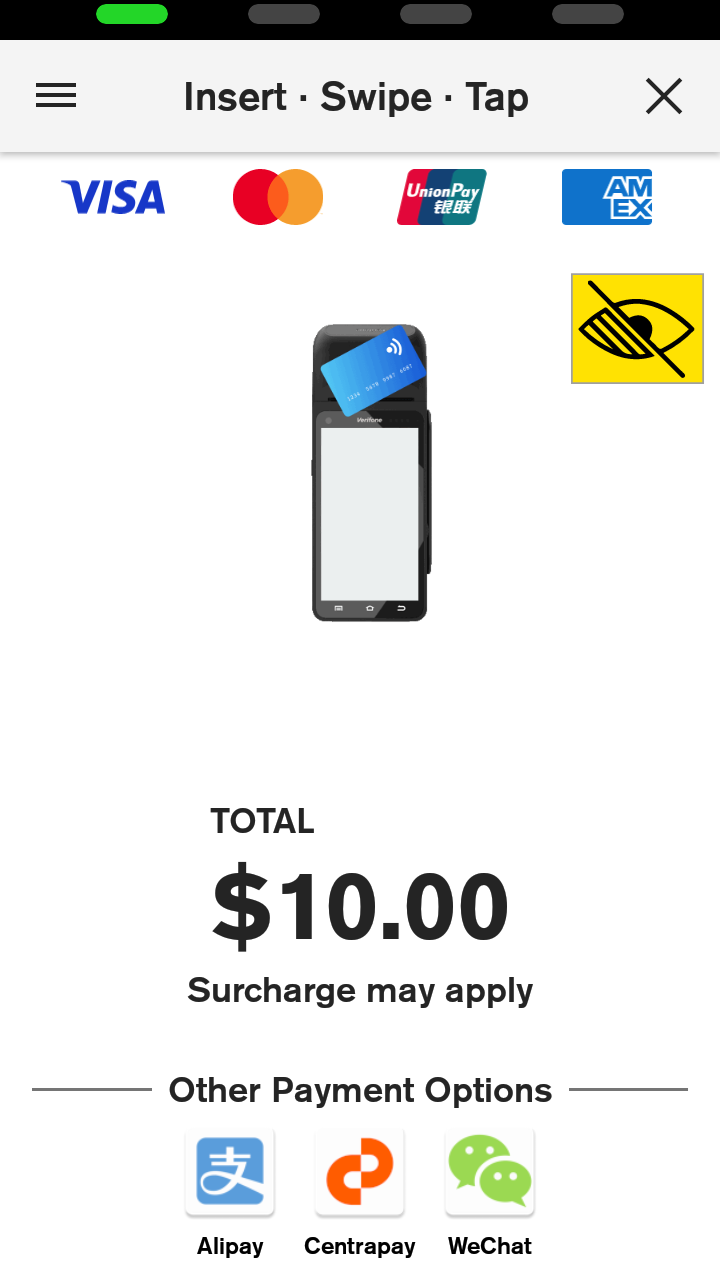
The Present Card screen will display 'Surcharge may apply' for all Purchase transactions
Customer Accepts Surcharge
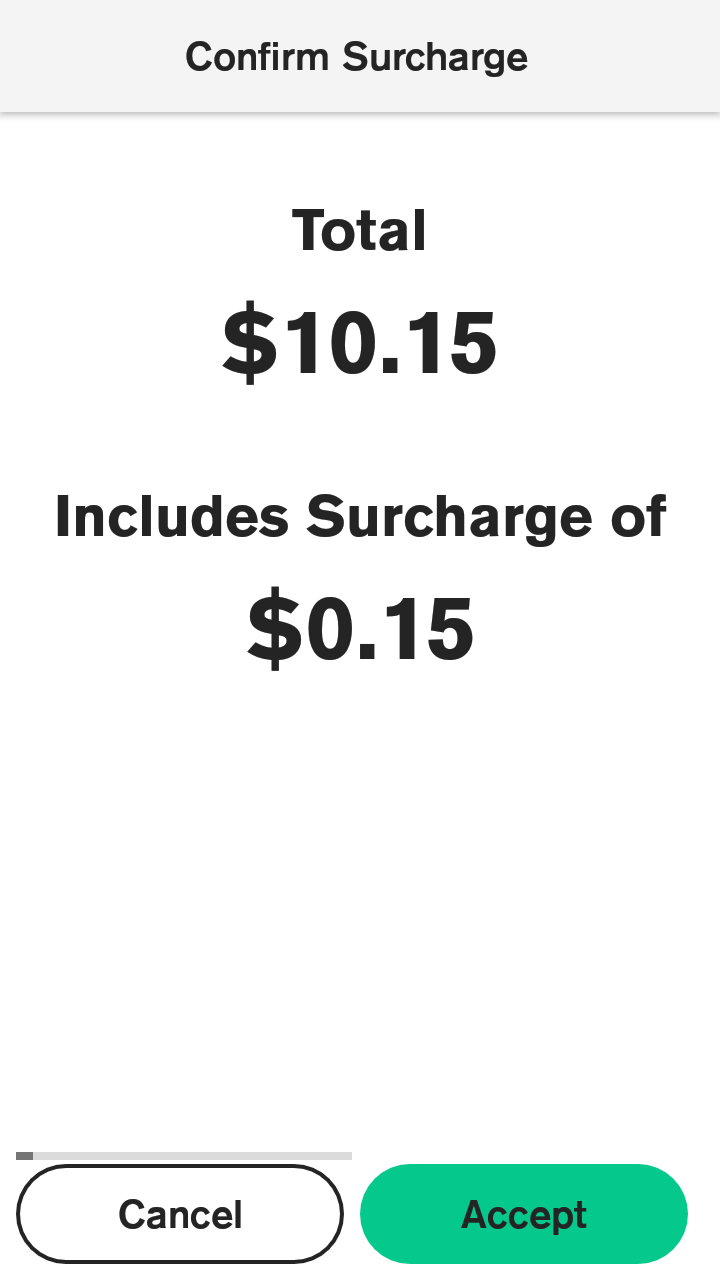
If a surcharge applies, the customer is prompted to accept the surcharge (optional for contactless)
Transaction Processed
If the customer accepts the surcharge the transaction proceeds and the terminal will automatically apply the surcharge for you
Resources

Credit card surcharging: Your merchant obligations
If you apply a surcharge to credit card or contactless transactions, you must follow New Zealand’s legal requirements. This article explains your key obligations under the Retail Payment System Act 2022.
FAQs: Credit Card and Contactless Surcharging
Learn how surcharging works, which transactions you can apply it to, and how to stay compliant with New Zealand regulations.
How to Create a Surcharge Report in Verifone Central
You can build a report template in Verifone Central to monitor surcharge amounts

Surcharging
Frequently Asked Questions
How does it work?
Your EFTPOS terminal automatically applies the surcharge to eligible transactions. The amount is shown on-screen, and the customer must accept before paying.
Which transactions can I surcharge?
You can apply surcharges to credit, debit, and contactless transactions. MOTO (manual) transactions can also be surcharged.
How much should I surcharge?
Your surcharge should reflect the cost of acceptance for each payment type. This varies depending on your merchant service provider’s fees.
Does surcharging affect contactless payments?
When a customer taps a credit card or a scheme debit card (Visa or Mastercard debit) the transaction attracts a processing fee. That means a surcharge can be applied to these transactions. By default, customers are prompted to accept the surcharge before a transaction completes but for contactless payments, you can turn this prompt off. This keeps the checkout experience fast for customers paying by contactless while still recovering your processing costs.
Can I turn surcharging on and off?
Surcharging can be enabled, adjusted, or disabled at any time, but you cannot turn surcharging off on a per-transaction basis (except for MOTO transactions)
Are there legal requirements for surcharging?
Yes. Surcharges must not exceed the cost of acceptance as defined by the Commerce Commission. Learn more about obligations here.