
Turn any browser into a payment terminal



Easy Set up
All you need is a Verifone Central login and a merchant facility from your bank

Get Paid Faster
Funds settle the same day to your nominated bank account, helping cash flow

Cost-effective For Teams
One Virtual Terminal facility can be used by multiple staff, so you don’t pay per user
Remote payments
Take payments wherever you’re working
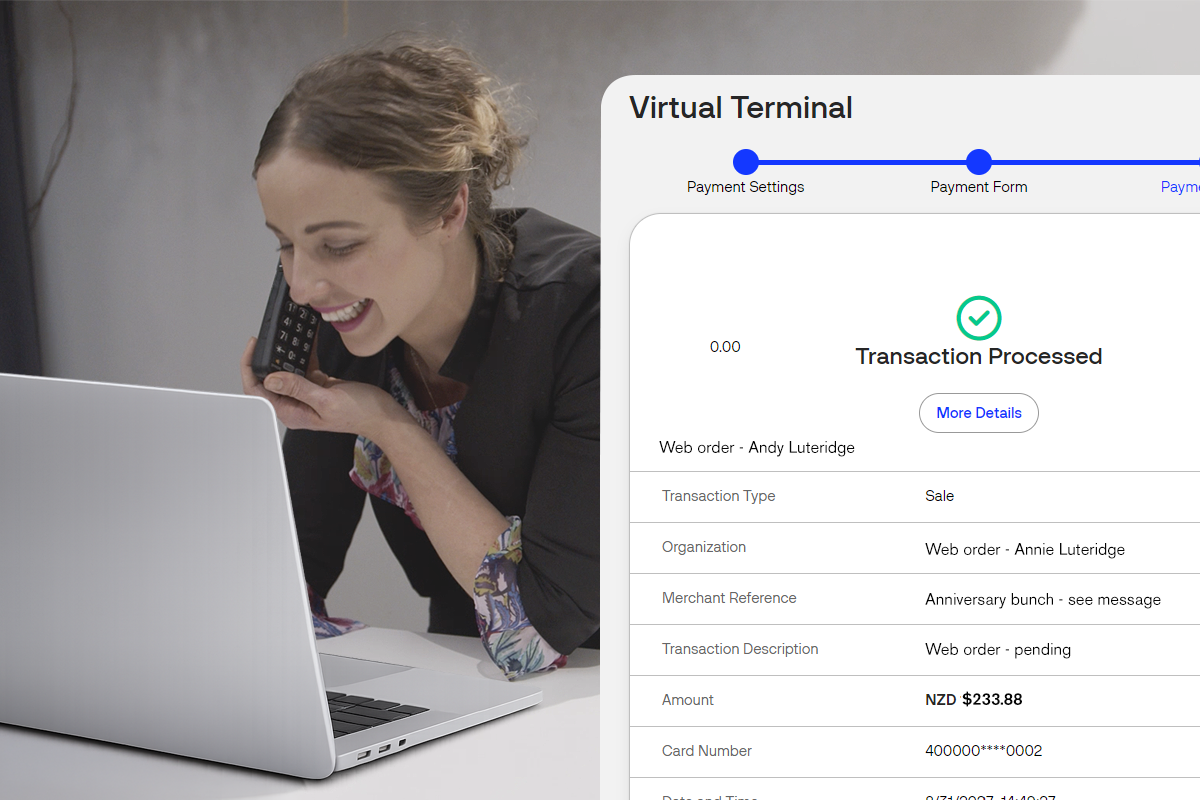
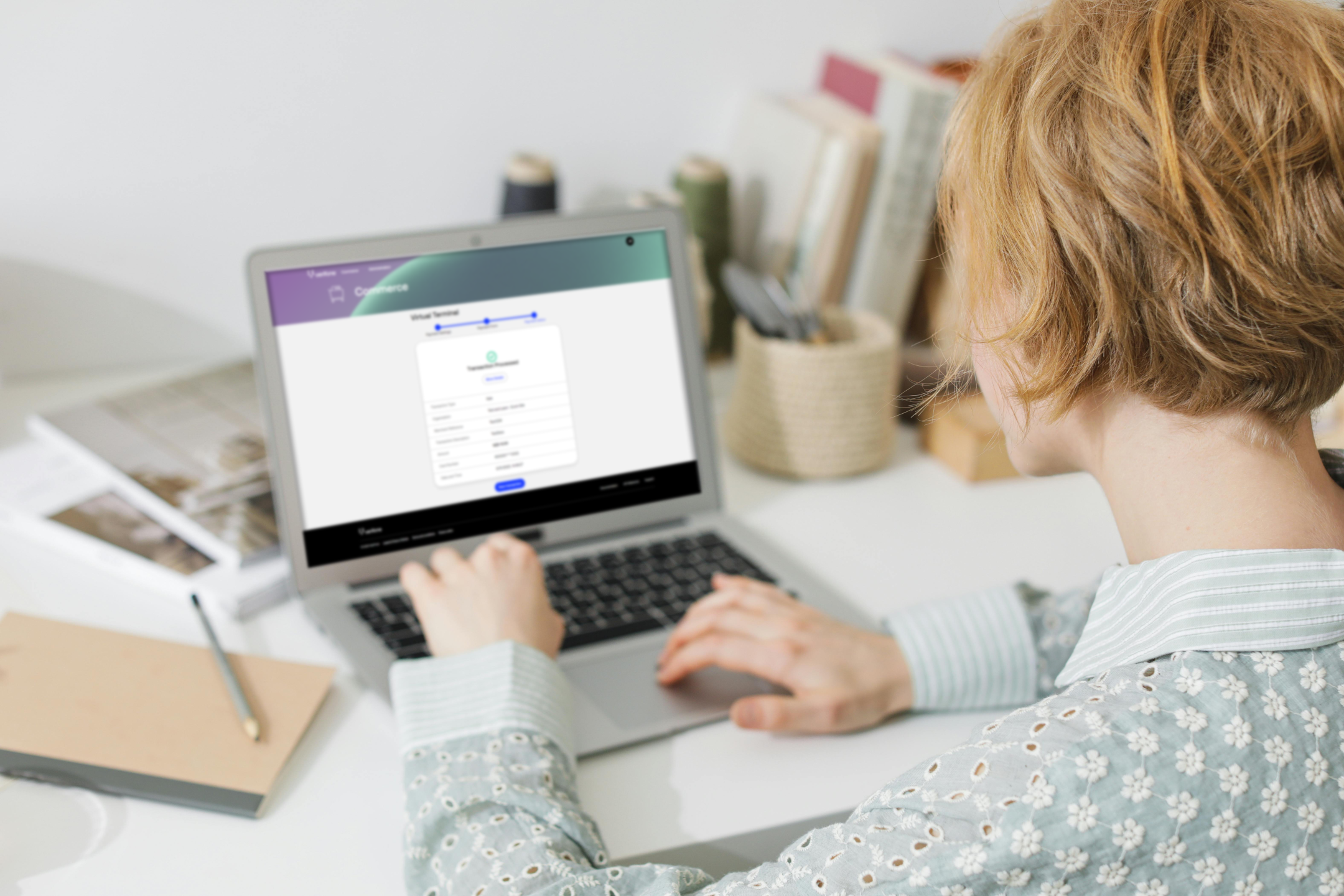
Turn any device with a browser into an on-the-spot payment terminal. Simply enter card details into a secure online form to complete the sale.
Built for flexibility
Handle deposits, invoices and phone orders
Use it for home-delivery orders, phone bookings, or invoice follow-ups — perfect for service teams and call-centre staff. Supports Visa, Mastercard and American Express.
Resilience
Keep sales moving
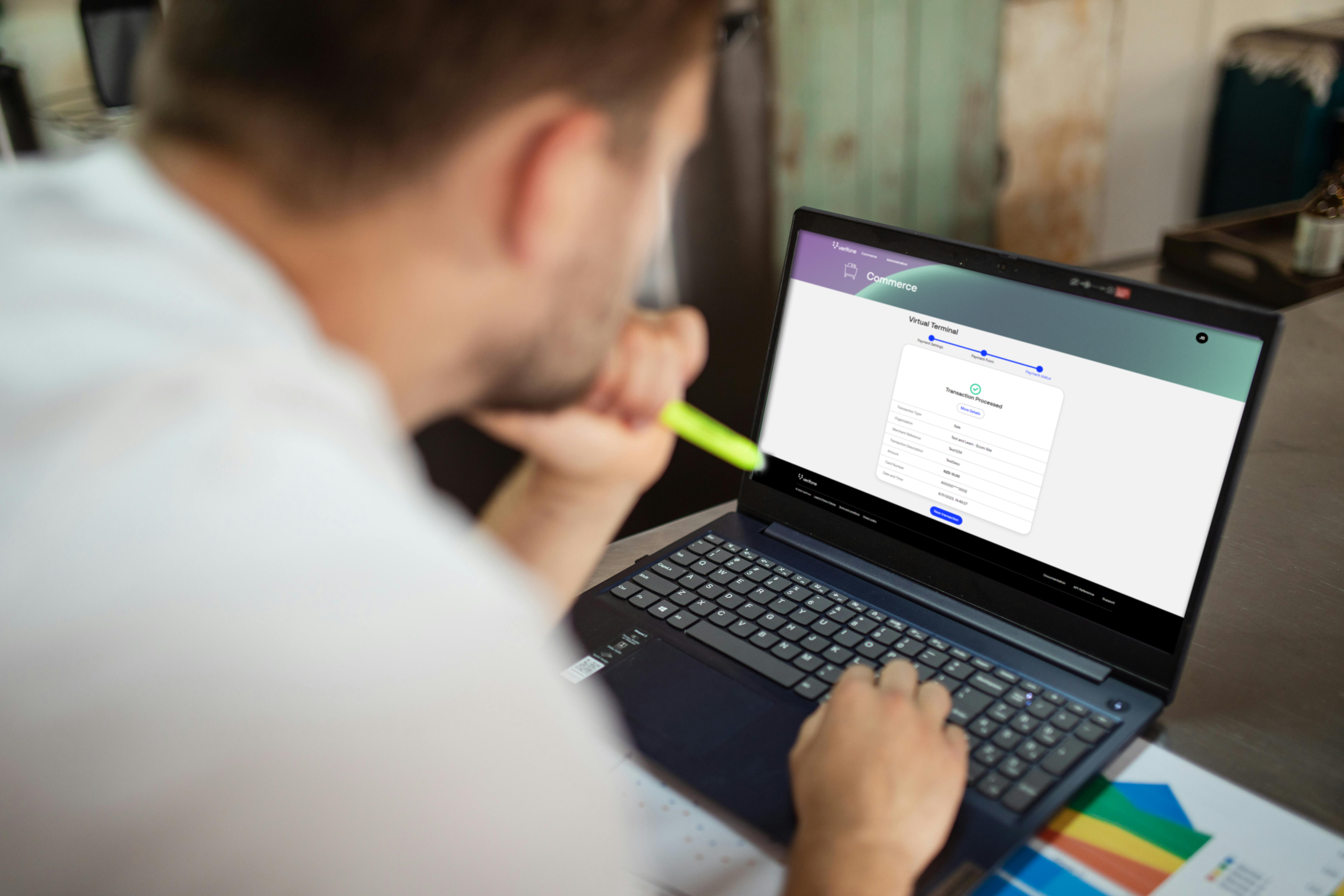
If your website or EFTPOS goes down, your team can still take payments using Virtual Terminal. Each transaction appears instantly in Verifone Central, so you can keep orders flowing, track what’s been paid, and issue refunds — all from one secure dashboard.

See Virtual Terminal in action
Virtual Terminal
How it works
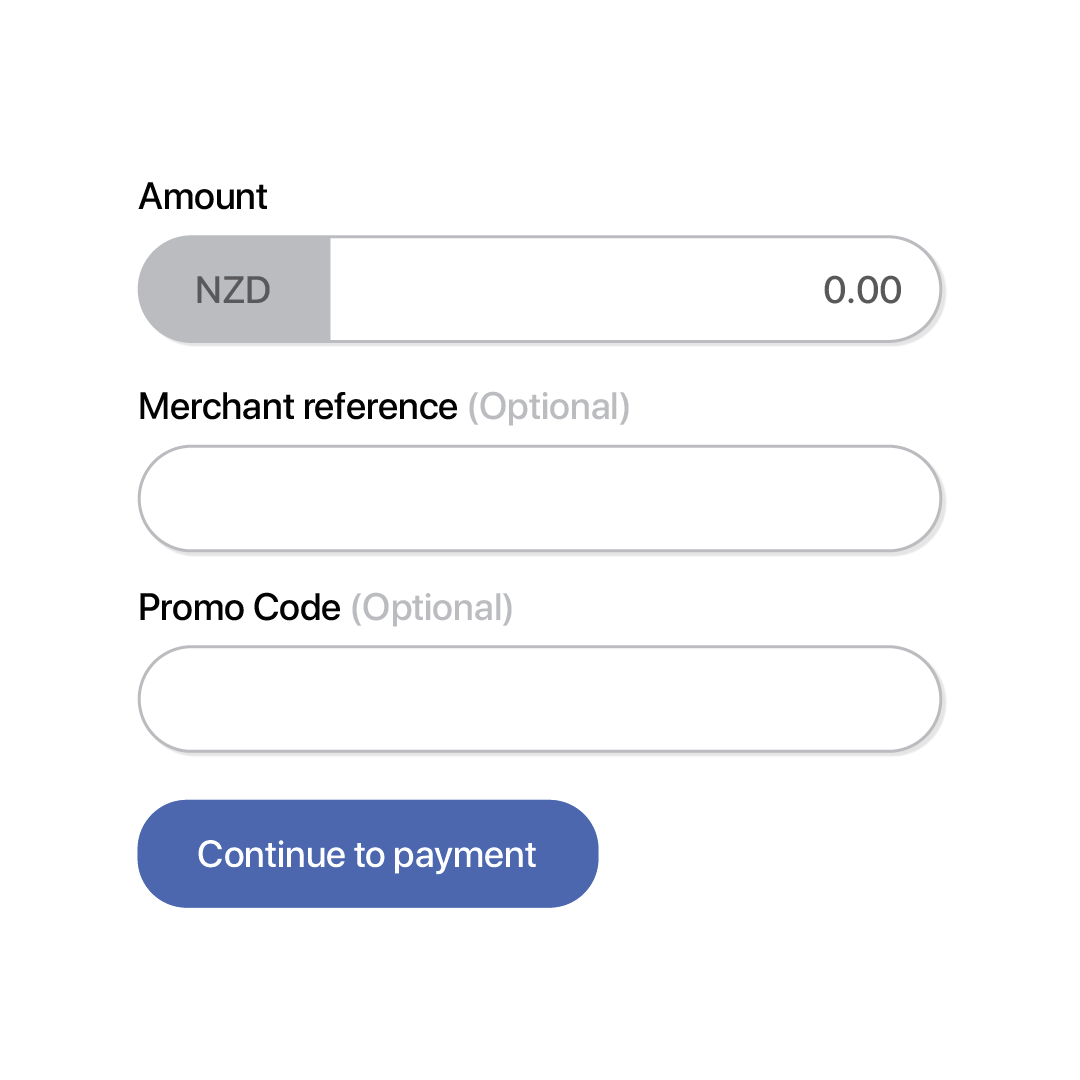
Set up payment
Fill in a few fields to create the payment record
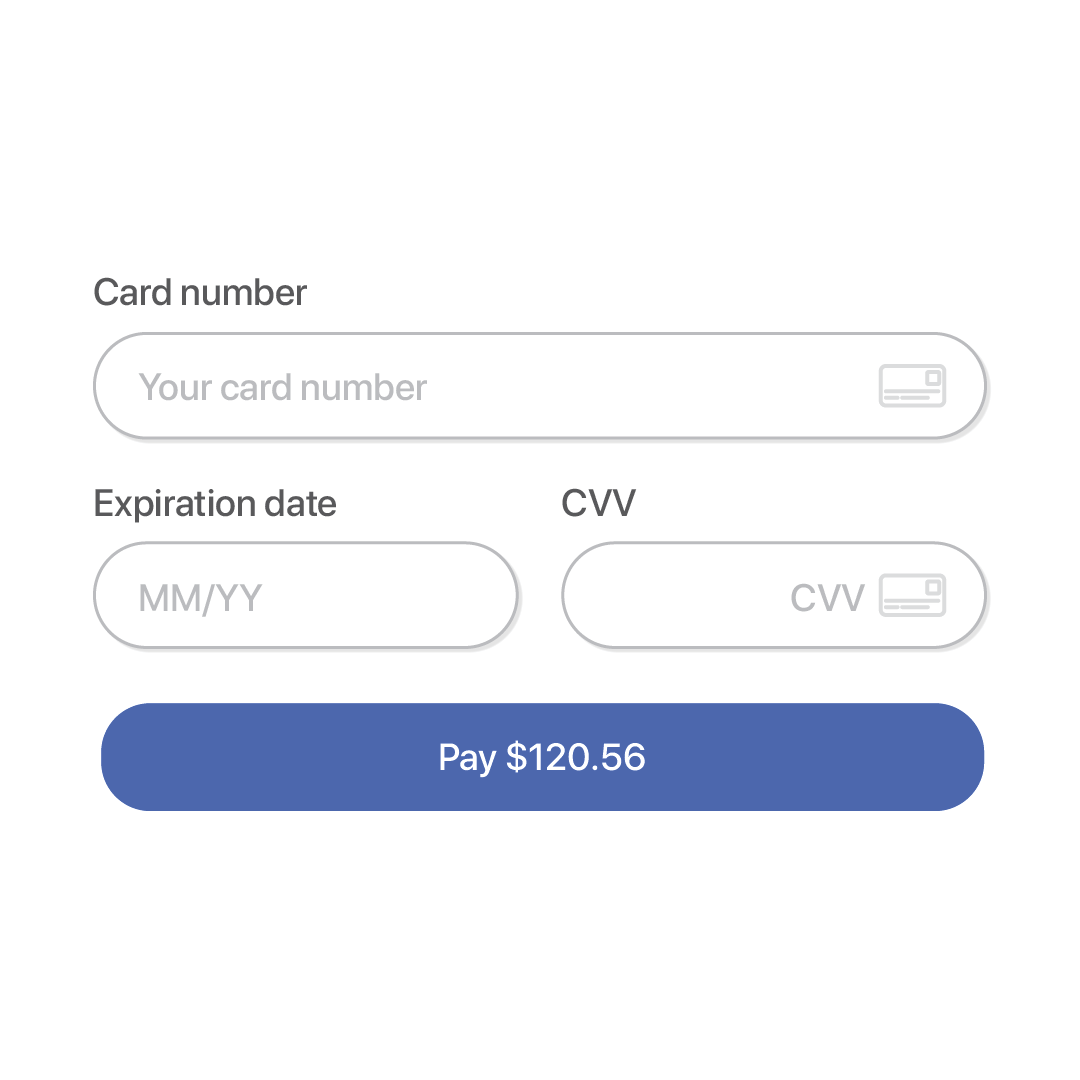
Enter card details
Type the customer’s card information into the secure form
Stay updated
Get instant confirmation and view transactions in Verifone Central
Resources

Product: Verifone Central
Work smarter with Verifone Central. View your Verifone instore and online transactions in real-time on a single platform.
Case study: Fujifilm
How Fujifilm NZ replaced manual payments with Virtual Terminal
Help Centre: Virtual Terminal User Guide
How to set up the Verifone Virtual Terminal to process card-not-present transactions
What our customers say

"We needed simple, quick, and easy - and that’s what we got. We’re so confident in it now, and we use it every single day."
Carolina

"We were struggling with high transactional fees and chargebacks from a larger international vendor, which made Verifone Online Payments a refreshing change. The local Kiwi-based support and cost-effective solutions immediately stood out."
Richard Simms

“Perfect! You’ve cracked it. The WooCommerce plugin is a nice, simple little customisation system that’s easy to use, even for someone like me! Thanks so much for all your help. Really appreciated.”
Chris Alder

Virtual Terminal
Frequently Asked Questions
How does Virtual Terminal work?
It’s an online payment tool for card-not-present (MOTO) transactions. Log in to Verifone Central, enter card details into a secure form, and submit.
What types of payments can I accept?
Visa, Mastercard, and American Express — both local and international.
What does it cost?
$10 + GST per month. Merchant Service Fees charged by your bank apply, and a setup fee from your bank may also apply.
How do I get set up?
You’ll need a Verifone Central account and a merchant facility from your bank. Once approved, we’ll activate your Virtual Terminal.
Can multiple staff use it?
Yes. There’s no limit to the number of users per facility.
Can I issue refunds?
Yes. You can view and refund Virtual Terminal transactions directly from your Verifone Central dashboard.