
Keep sales flowing during temporary interruptions



No interruptions
Continue processing transactions even if the internet or network is down

Automatic syncing
Transactions are securely stored and processed once connectivity is restored

Essential backup
An added safety net for businesses that can’t afford downtime
Never lose a sale
Offline Mode means you can keep taking card payments when your terminal can’t connect to the network. Transactions are stored securely, then uploaded and processed automatically when your terminal reconnects.
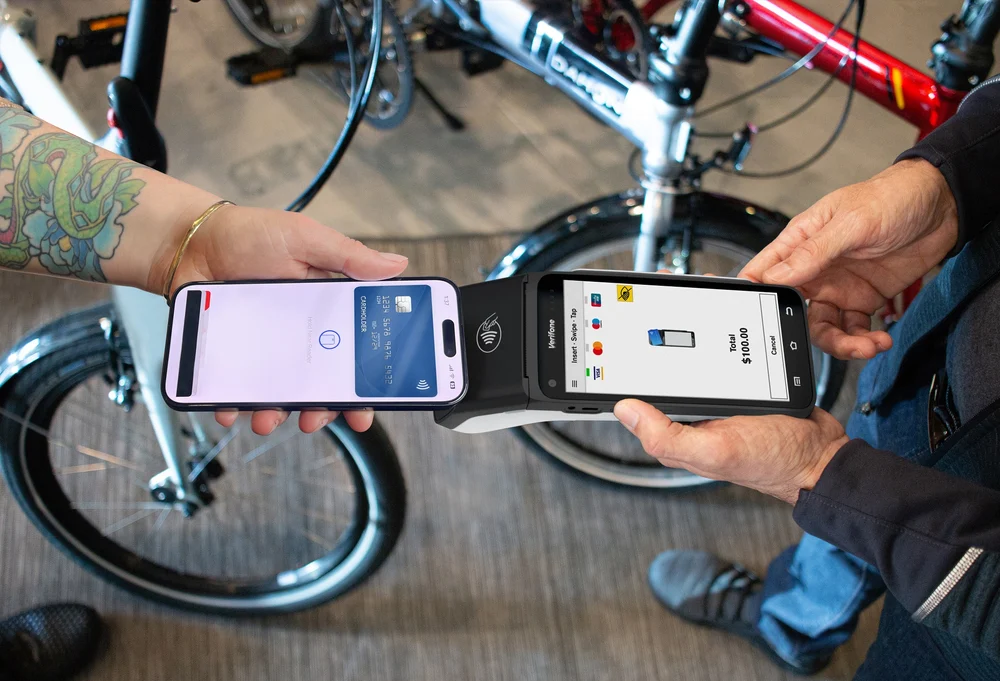

Seamless & secure transactions
All Offline Mode transactions are encrypted and stored safely, ensuring your payments are protected. It’s a reliable backup for businesses in remote areas, mobile vendors, or locations with unreliable internet access.
Peace of mind
Unexpected outages don’t have to mean lost revenue. Offline Mode ensures continuity for both you and your customers, so payments stay stress-free.


Get a back-up Virtual Terminal
Offline Mode
How it works
Activation
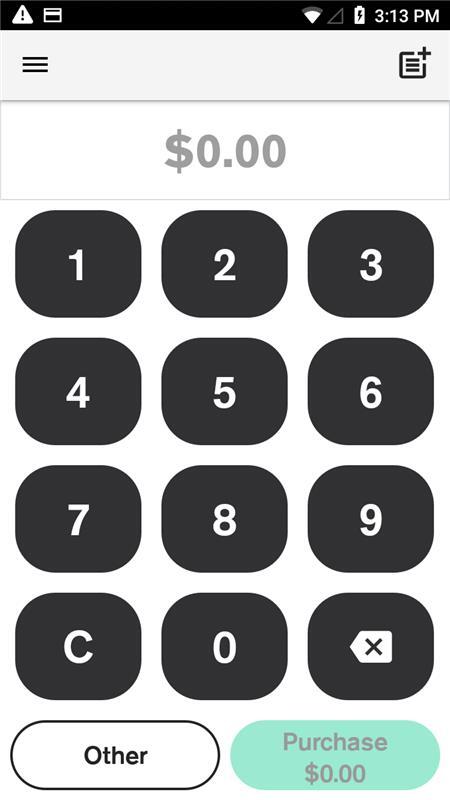
Offline Mode kicks in automatically if two consecutive financial transactions decline due to connectivity issues
Transactions stored
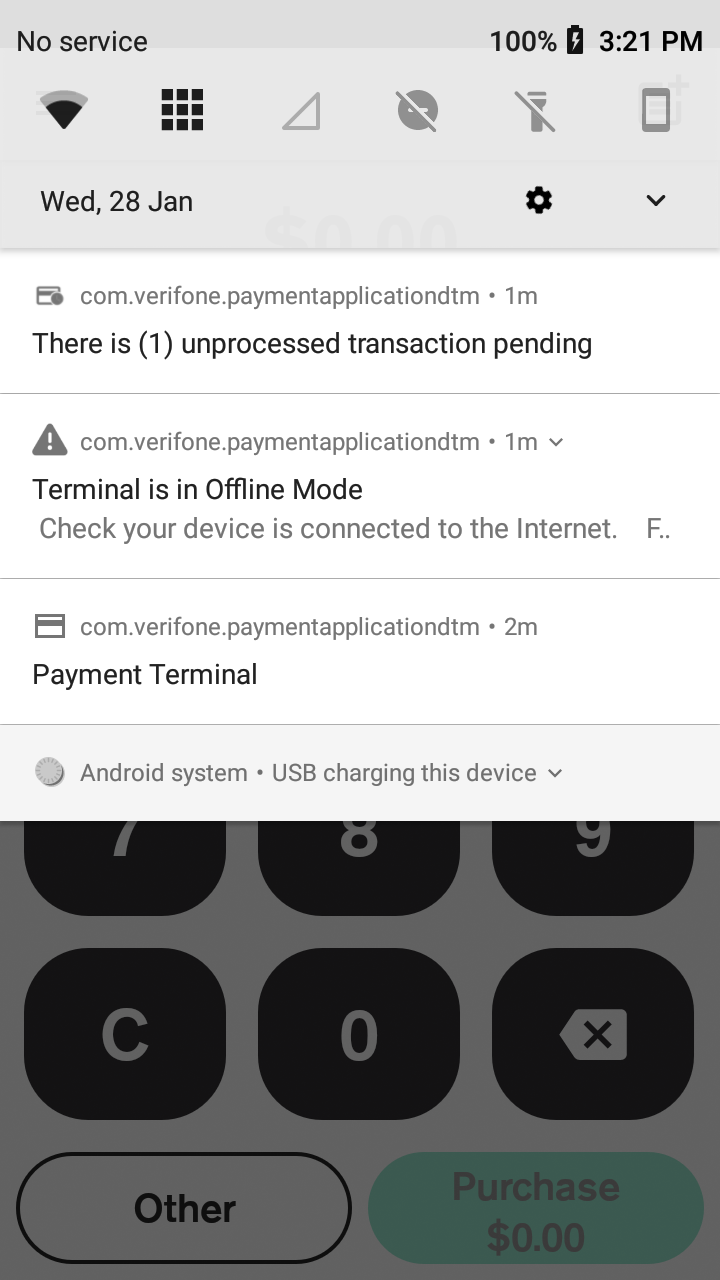
Payments are securely stored on your terminal, and a warning icon confirms you’re in Offline Mode
Automatic recovery
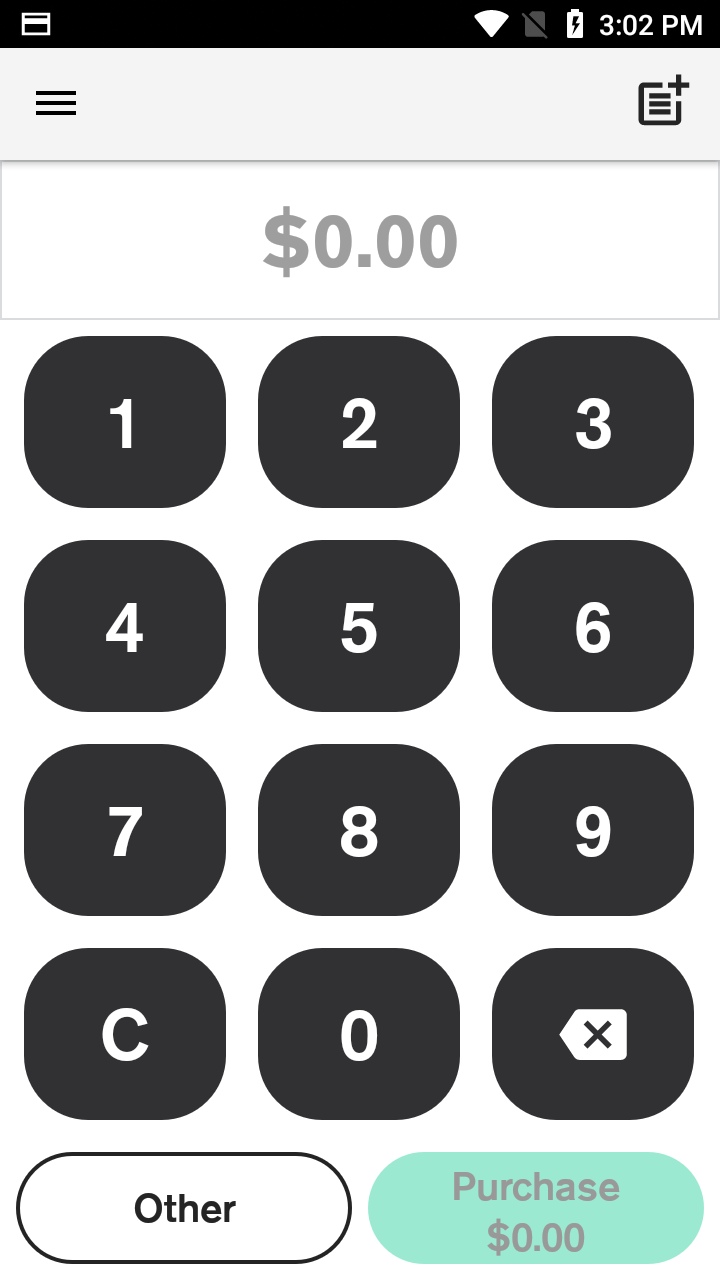
Your terminal will keep trying to reconnect and upload stored transactions. Once successful, it exits Offline Mode.
Resources

Offline mode help article
Offline Mode allows you to process transactions when your terminal can’t connect to the internet. However, some limits and restrictions apply.
Transaction error messages - troubleshooting guide
Learn about common transaction error messages, their meanings, and how to resolve them to ensure smooth payment processing.
Troubleshooting connection issues
Learn how to troubleshoot and resolve connection errors.

Offline Mode
Frequently Asked Questions
How does Offline Mode activate?
Your terminal will automatically enter Offline Mode if two consecutive financial transactions decline due to a communications error (i.e. your internet is down), availability of the payment network, or failure to clear a pending transaction.
How many transactions can I process in Offline Mode?
Limits apply to transaction amounts and number of transactions. These vary by terminal type. (See Help Centre for details.)
Will every card type work in Offline Mode?
Most card types are supported, but some chip cards and proprietary cards may not.
Is Offline Mode a permanent fix?
No. Offline Mode is an emergency backup feature, not a replacement for network connectivity.