
Make it easy for customers to reward excellent service



Encourage Great Service
Give customers the option to reward excellent service by adding a tip to their payment

Flexible & Unobtrusive
Turn tipping on or off and adjust prompts directly from your Verifone Android terminal

Track Tips with Ease
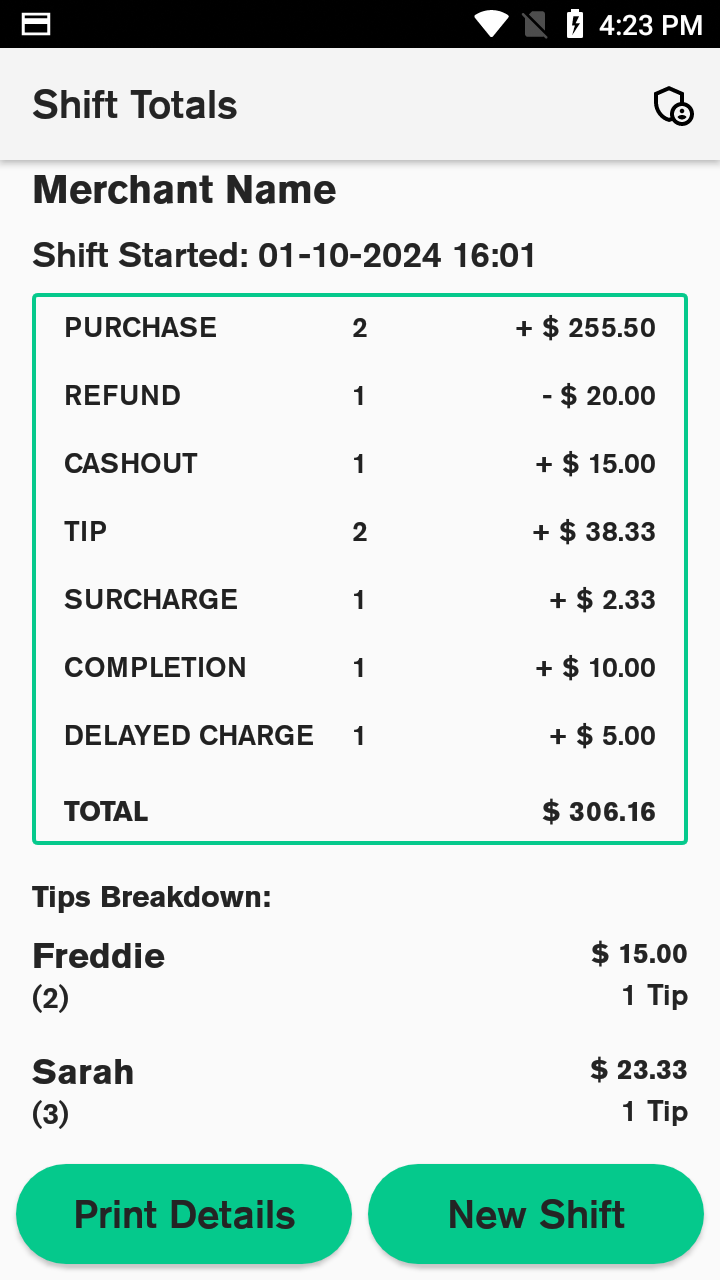
View and reconcile tips through your Shift Totals report for simple, accurate end-of-day reporting
Adaptable
Let customers show their appreciation
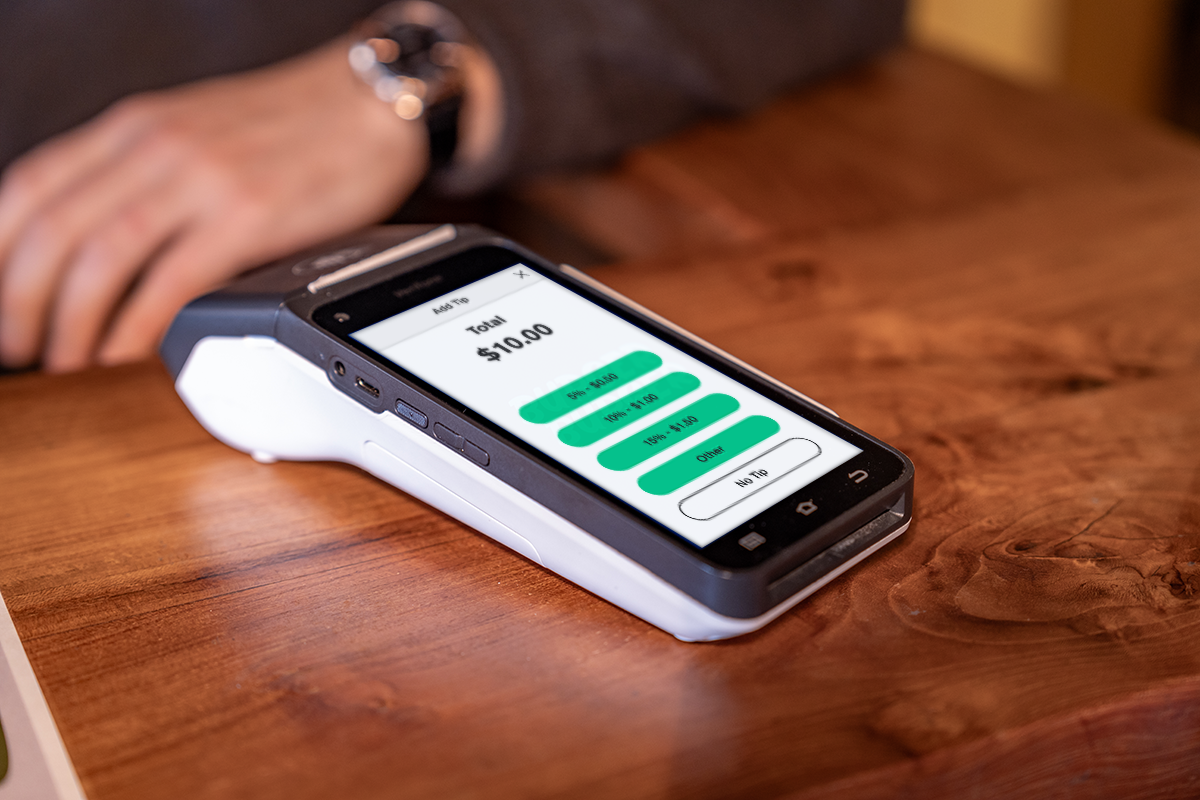
When tipping is enabled, your terminal automatically prompts customers to add a tip before completing payment. It’s seamless, intuitive, and helps your team be rewarded for great service without slowing down checkout.

Easy to Configure
Customise tipping to suit your business
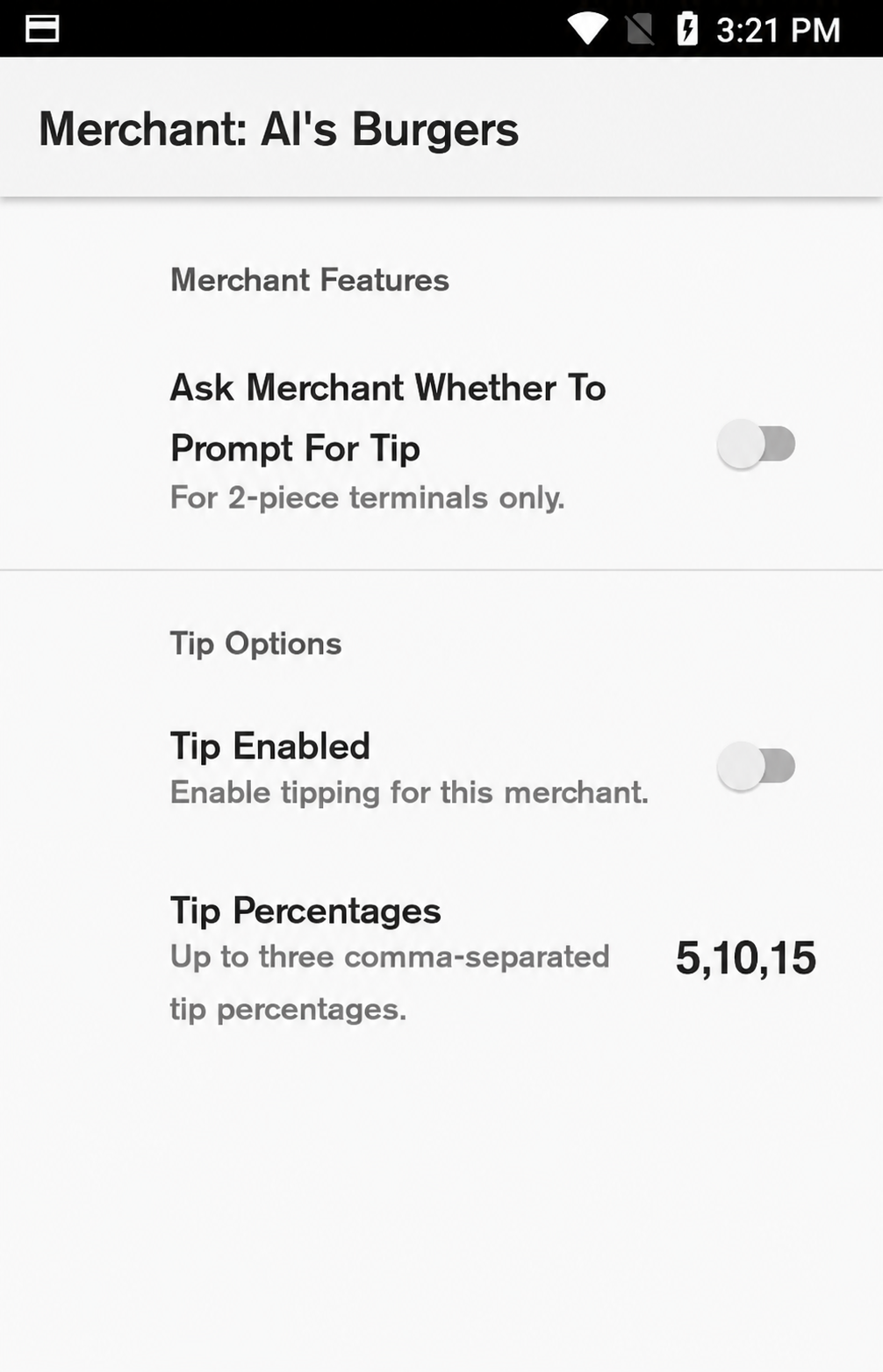
You’re in control. From your Verifone terminal, you can enable or disable tipping, set default percentages, or offer fixed dollar amounts.
Smart Reporting
Simple tip tracking with Shift Totals
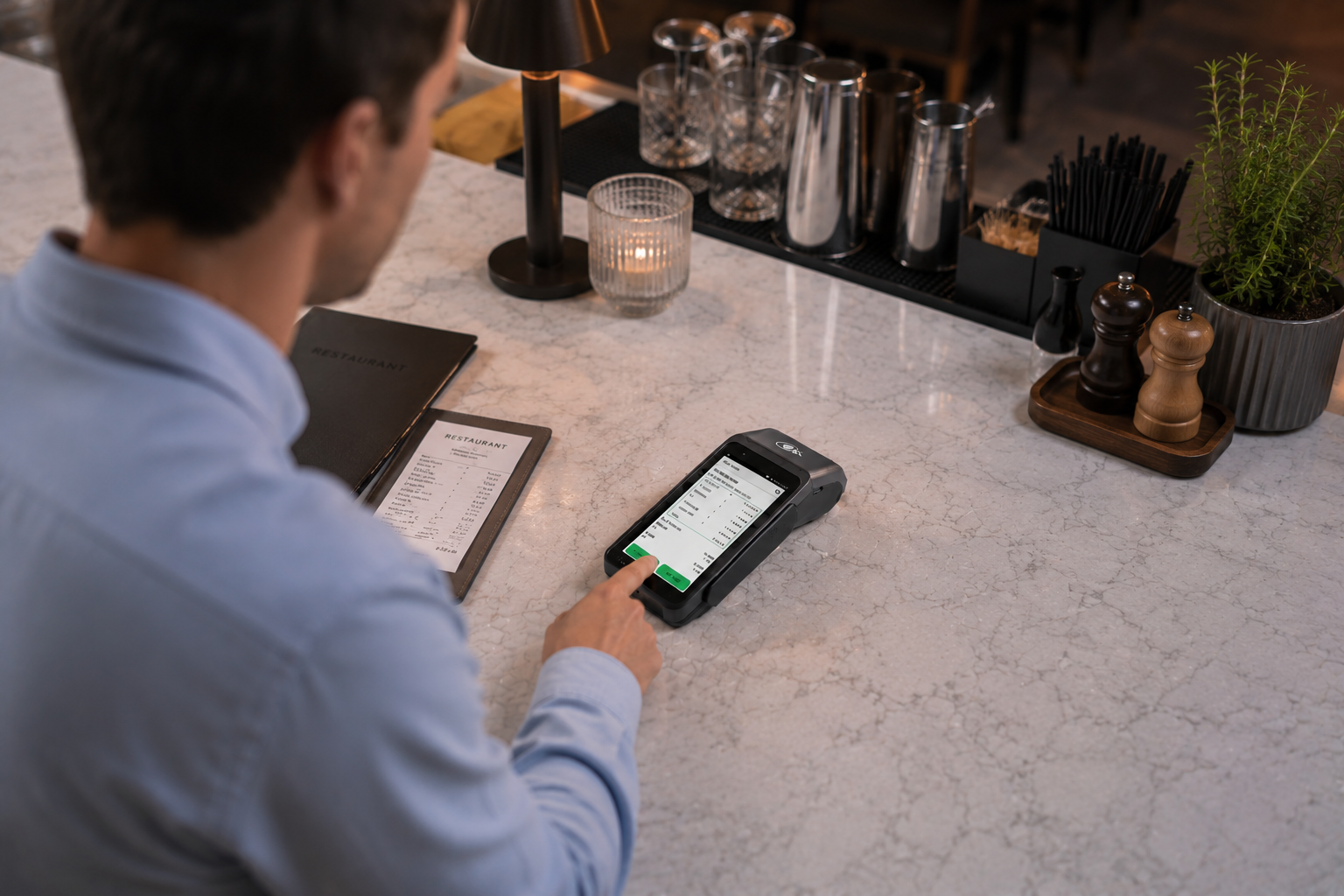
Tipping integrates directly with your terminal’s reporting tools. Your Shift Totals report includes a clear breakdown of total sales and total tips, so you can reconcile easily at the end of the day.

Get started with Tipping for free
Tipping
How it works
Activate tipping
Activate tipping directly from your Verifone terminal. You can switch it on or off and adjust settings anytime.
Present the terminal
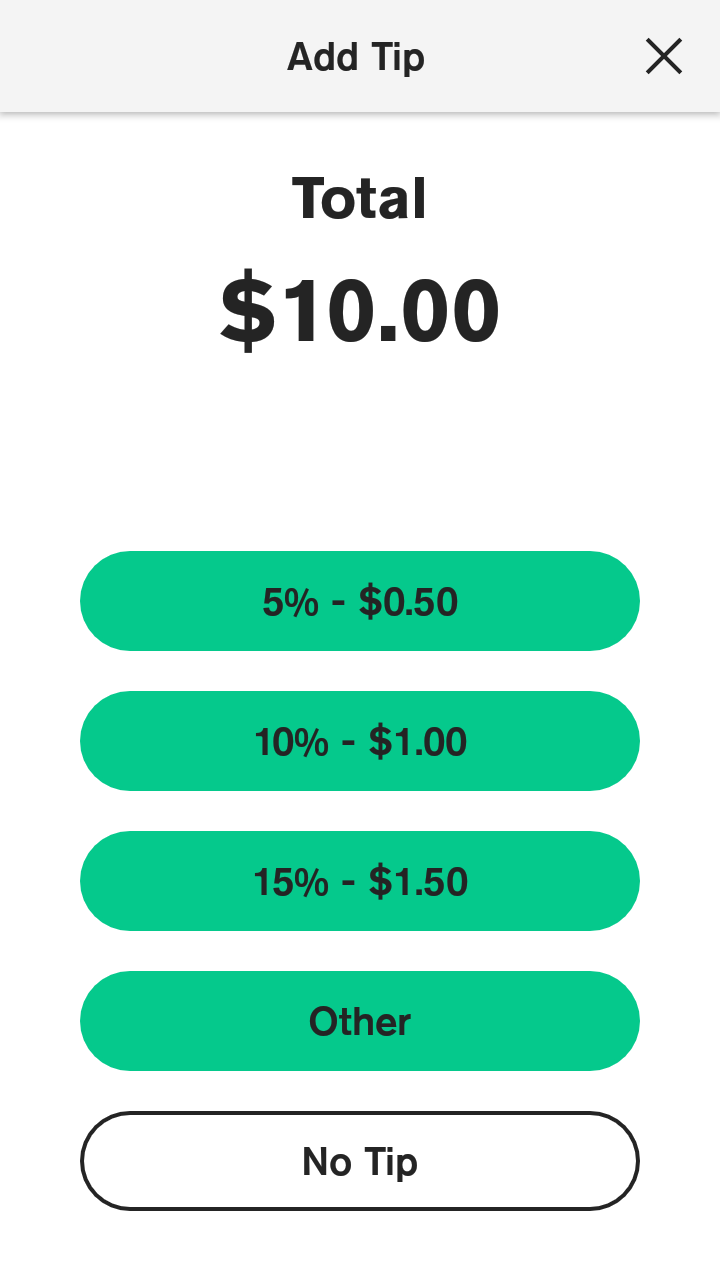
Customers can select a tip amount directly on-screen before finalising payment
Process the payment
Check your Shift Totals report to see total tips for the shift and reconcile with your sales
Resources

Tipping
Find out how to set up and use tipping on your Verifone EFTPOS terminal
Shift Totals
The Shift Totals app helps you view a breakdown of all transactions during a shift, print reports for reconciliation, and attribute tips to individual staff members.

Tipping
Frequently Asked Questions
Can I turn tipping on or off myself?
Yes. You can enable or disable tipping directly from your Verifone terminal’s settings.
Can I customise tipping options?
Yes. You can adjust how tipping is displayed and set your preferred configuration on your terminal.
Where can I see total tips for the day?
Your Shift Totals report includes total tips for each shift.
Are there extra costs for tipping?
No, tipping functionality is included at no additional cost.